
How to Eliminate Manual DA Data Entry: A Council IT Manager's Guide
Practical strategies for council IT managers to automate DA data transfer between the NSW Planning Portal and internal council systems.
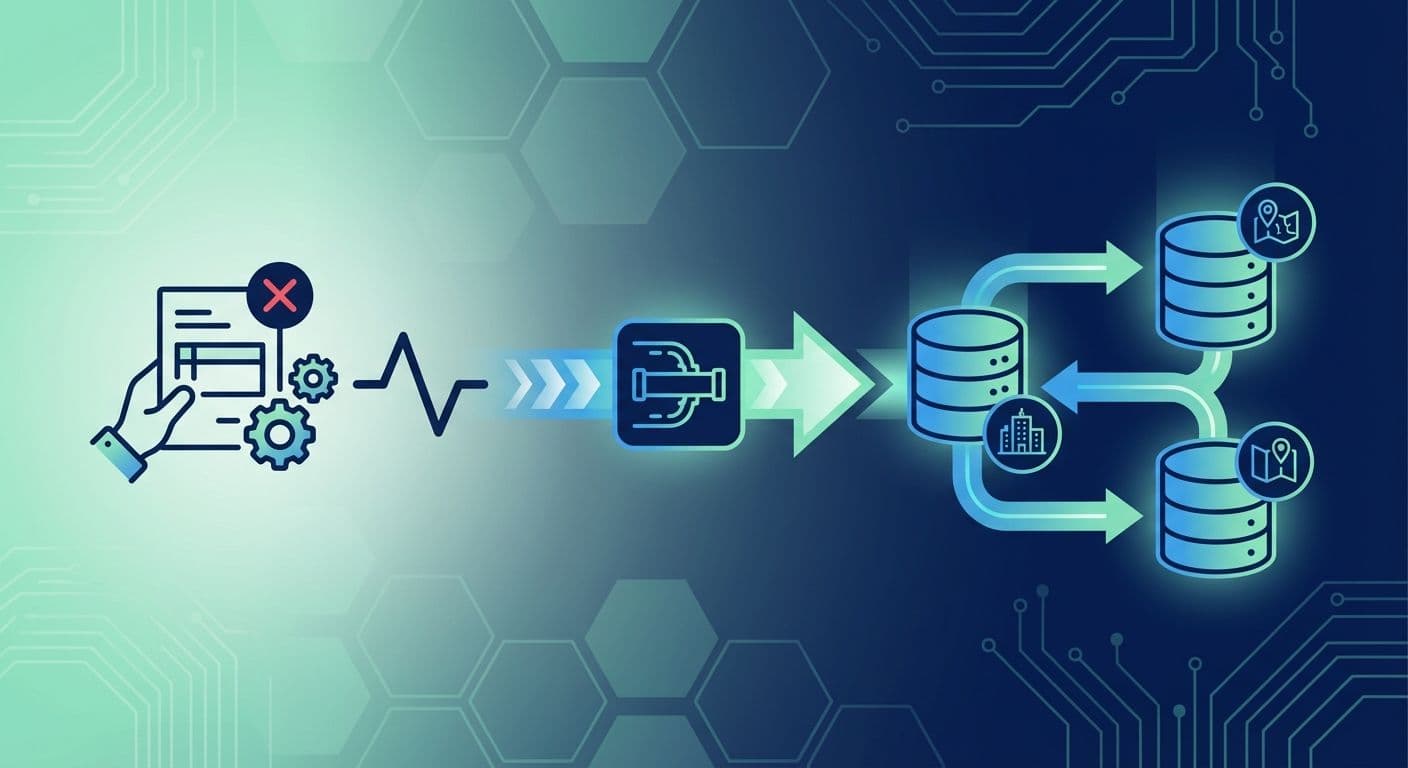
Manual data entry is one of the biggest inefficiencies in council planning departments. When applications arrive through the NSW Planning Portal, staff often spend hours re-keying information into internal council systems. This guide sets out practical ways to remove that bottleneck.
The end point is full integration. Our Local Government Integration page describes how we connect the Planning Portal to your core council system.
The cost of manual data entry
Before you automate, work out what the manual process costs your council today.
Time
For a typical DA, manual entry involves:
- Applicant details: keying and checking contact records
- Property information: verifying and entering the property
- Application specifics: entering the submission details
- Document handling: downloading, renaming and filing each file
Time each task on a sample of recent applications. Multiply the average by your annual volume to see how much staff time goes on data entry alone.
Errors and rework
Manual entry always produces some errors. Each one has a downstream cost:
- Incorrect property identifiers need investigation and correction
- Wrong contact details delay communication
- Misfiled documents create compliance risk
- Errors compound as the application moves through workflow stages
An error found late costs far more to fix than one caught at entry.
Staff satisfaction
Repetitive data entry is among the least satisfying parts of planning work. Staff trained in assessment spend time on administration that adds little to their professional development.
Automation opportunities
Several approaches reduce or remove manual entry, from simple process fixes to full integration.
Level 1: Better manual processes
Even without system integration you can reduce the burden:
- Standard templates: create import templates that match Portal export formats
- Batch processing: handle applications in groups, not one by one
- Agreed procedures: set one efficient way to transfer data
These changes help, but staff still handle every application by hand.
Level 2: Semi-automated transfer
Add tools that assist with the transfer:
- Export and import utilities: extract Portal data and format it for import
- Document automation: scripts that organise and rename files
- Validation checks: automatic verification of transferred data
Staff keep oversight of each transfer, but the repetitive work shrinks.
Level 3: Full integration
Complete integration removes manual entry from the routine path:
- Real-time synchronisation: data flows from the Portal to the council system
- Two-way updates: status changes appear in both systems
- Document automation: files transfer and file themselves
- Exception handling: only anomalies need staff attention
Building the business case
To secure investment, show a clear return.
Quantify current costs
Use your own numbers in this formula:
Annual applications x hours per application x staff hourly cost = annual cost of data entry
As an illustration only, 1,000 applications a year at 1.5 hours each and $45 an hour (including on-costs) gives $67,500 a year.
Estimate the savings
Savings depend on how much of that time integration removes in your council. Test the assumption in a pilot rather than taking a vendor's figure. Other benefits are harder to price but real:
- Fewer errors: less correction and rework
- Faster processing: a better applicant experience
- Staff time: available for higher-value work
- Compliance: consistent data handling
Payback
Compare projected savings with integration costs to find your payback period. Include licence, delivery and support costs in the comparison.
Implementation approaches
In-house development
Building the integration yourself gives maximum control, but it needs:
- Developers with API experience
- Capacity for ongoing maintenance
- Security and compliance expertise
- Testing and quality assurance
Best suited to: councils with an established IT development team.
Point solution
Commercial products connect specific systems. They are built for particular platforms and the vendor manages updates, but they offer less flexibility for custom requirements.
Best suited to: councils with a standard configuration and straightforward needs.
Managed integration platform
A managed platform handles all aspects of Portal connectivity:
- Pre-built connectors for major council systems
- Hosted infrastructure with managed updates
- Expert support for configuration and troubleshooting
- Room for custom workflows
Best suited to: councils that want a quick start with little internal technical overhead.
Data mapping essentials
Accurate mapping between the Portal and your council system is the core of the work.
Core data elements
- Application ID to reference number: may need a prefix or format change
- Property address to property identifier: needs address parsing and matching
- Applicant details to contact records: handle individual and company applicants
- Submission date to lodgement date: check time zone handling
- Application type to work type: needs category mapping
Document handling
- Naming conventions: agree consistent naming rules
- Type classification: map Portal document types to your categories
- Version control: handle updated and superseded documents
- Storage location: decide where documents live
Status synchronisation
- Map Portal statuses to internal workflow stages
- Define which status changes trigger synchronisation
- Handle conflicts and edge cases
Change management
Technical delivery is only part of the job. Staff adoption decides whether it succeeds.
- Explain the benefits: less repetitive entry, less error correction, more time for assessment
- Train staff: how to review transferred data, handle exceptions and get support
- Gather feedback: regular check-ins early on, clear escalation paths and a way to act on suggestions
Measuring success
- Efficiency: processing time per application and manual entry hours, before and after
- Quality: data entry error rates, rework incidents and customer enquiries
- Staff: time on assessment compared with administration, and satisfaction with the process
Getting started
- Audit current processes: document existing data entry workflows and time spent
- Calculate costs: put the current burden in dollars and hours
- Define requirements: identify the data and workflows to automate
- Evaluate options: compare in-house, point solution and managed platform
- Build the business case: present findings to stakeholders
- Plan implementation: set the timeline and resources
- Run a pilot: start with a limited scope
- Scale and refine: expand based on what the pilot teaches you
With the right approach, your council can reclaim staff time while improving data quality. To discuss your situation, contact our team. You can also read how Shellharbour City Council automated its Planning Portal applications.
Related resources
Accelerate Tech named a finalist for the 2026 Microsoft Inclusion Changemaker Partner of the Year Award
Accelerate Tech has been named a finalist for the 2026 Microsoft Inclusion Changemaker Partner of the Year Award. Our nomination was led by Language+, built for Multicultural NSW and the NSW Police Force.
AI automation for business and government
Most AI projects describe a tool. This describes what happens to the work itself: which tasks move to a system, which stay with a person, and the new work nobody budgets for.
What Is a Forward Deployed Engineer, and Why Is Every AI Company Hiring One?
The title came from Palantir and is now on job boards at every AI company. What a forward deployed engineer actually does, why AI work made the model mainstream, and the six questions to ask a provider.
Got a project in mind?
Book a free 30-minute consultation. We'll listen and give you a straight answer.
Book a Consultation