
AI Redaction for Planning Documents: A Practical Guide for Council IT Teams
How NSW councils can use AI-powered redaction to protect privacy in DA documents while freeing planners for assessment work. A practical guide for IT managers.
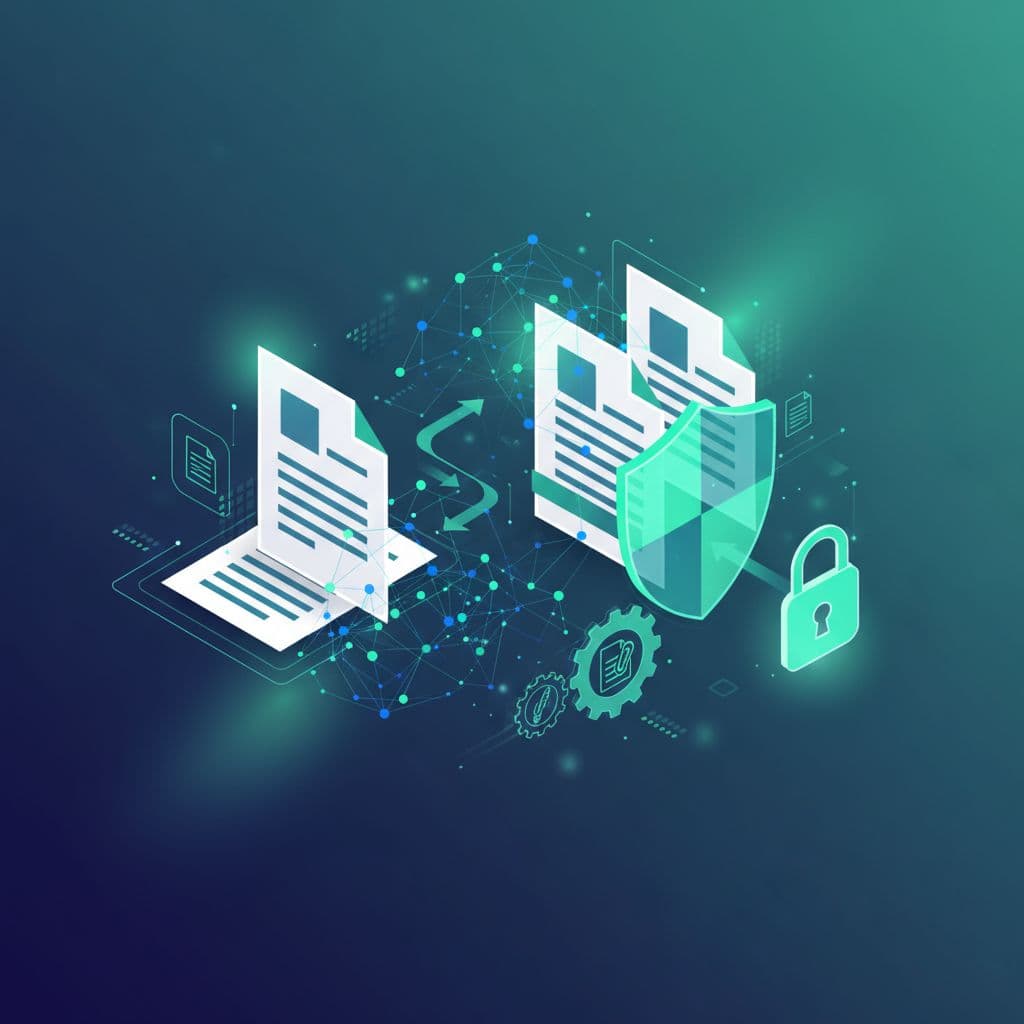
Your planning team has just received 20 documents for a single DA. Somewhere in those files are phone numbers, email addresses and signatures that need redacting before public display. AI redaction can find them in seconds rather than hours, and leave a planner to check the result.
Manual redaction is one of those jobs nobody talks about but everyone dreads. It is tedious and error-prone, and it uses hours your staff could spend on assessment. One missed phone number can mean a privacy complaint. One missed signature exposes the applicant's details to anyone browsing the DA tracker.
The technology has matured over the past few years. This guide explains what AI redaction does, what to ask vendors and how to introduce it. Our AI Redaction page describes the Accelerate Tech module.
What AI redaction does
AI redaction uses pattern recognition and machine learning to find sensitive information in documents. It then removes the information or flags it for review.
The technology combines several approaches.
Pattern matching catches structured data. Phone numbers, email addresses, ABNs and Medicare numbers follow predictable formats, so this part is the most reliable.
Named entity recognition identifies names, addresses and organisations. It is harder, because "Smith" could be a surname or a street name. Modern models use context to tell the difference, but unclear cases still need a human check.
Image analysis spots signatures, handwritten notes and personal photos embedded in PDFs. Results depend heavily on image quality.
Contextual understanding recognises when someone mentions a health condition or financial circumstances, even when the words are not on a blocklist. This is the least mature area, so it is where review matters most.
What good results look like
When AI redaction is set up well, a council should expect to see:
- Less time: staff review flagged items instead of marking up every page
- Fewer misses: the software checks every page the same way, and uncertain items go to a person
- Consistency: the same rules apply every time, with no variation between staff and no end-of-week lapses
- An audit trail: every redaction decision is logged, so you can answer when someone asks why information was removed
Measure these against your own baseline before you start. Accuracy figures quoted by vendors depend on the document set, so test on your own documents.
How AI redaction fits your workflow
AI redaction usually works as a preprocessing step before documents reach your council system or document management system. A typical flow looks like this:
- Documents arrive through the NSW Planning Portal
- AI redaction processes the files
- High-confidence redactions are applied automatically
- Uncertain items queue for staff review
- Clean documents flow into your council system, such as TechnologyOne, Civica Authority or Infor Pathway
- Public-facing documents show the redactions
The integration points matter. You want a solution that talks to the Planning Portal APIs and your existing systems without making staff learn new interfaces. Our Local Government Integration module handles that connectivity.
What needs redacting
Not everything in a DA pack is sensitive. Your policy should define the categories.
Always redact:
- Personal phone numbers (not business lines)
- Personal email addresses
- Residential addresses of objectors, in notification letters
- Signatures
- Tax file numbers, Medicare numbers and driver's licence numbers
- Photos showing identifiable people, unless the development itself requires them
Sometimes redact, depending on context:
- Business addresses when the business operates from residential premises
- Names of objectors, because policies vary between councils
- Personal circumstances mentioned in submissions
- Medical information
Rarely redact:
- Applicant business name and address
- Professional consultant details
- Site address and property details
- Development specifications
Your council's privacy policy should set these rules. The software then applies them consistently.
Technical requirements
If you are evaluating AI redaction solutions, check the following:
- Data sovereignty: processing should happen in Australia. Ask where the vendor's infrastructure is hosted and where your documents are processed.
- Format support: PDFs are the obvious case, but you also need Word documents, images and scans. OCR is essential for older submissions.
- API availability: you want REST APIs for integration, and batch processing for busy periods.
- Confidence scoring: a good system tells you how certain it is about each detection, so high-confidence items can proceed and uncertain ones route to a person.
- Audit logging: record who approved what, when and why.
- Rollback: sometimes a redaction must be reversed, for example when an applicant legitimately requests the original. Support this with appropriate authorisation.
- Performance: processing should keep pace with your intake, so large PDFs do not hold up the queue.
Common implementation pitfalls
All-or-nothing thinking. Some councils try to automate everything at once. A better approach is to start with high-confidence redactions such as phone numbers and emails, then expand. Early wins build staff trust.
Ignoring the review queue. AI will always flag uncertain items. If nobody reviews the queue, it piles up. Build review time into the workflow from day one.
Set and forget. Redaction rules need updating as regulations change and staff find edge cases. Plan regular reviews of your policy and of the tool's performance.
No baseline measurement. You cannot show a return without knowing where you started. Before you begin, measure how long manual redaction takes and track error rates.
Skipping staff involvement. The people who redact today know the edge cases. Involve them in the rollout and you avoid months of troubleshooting.
A practical roadmap
Assessment
- Audit current redaction practices
- Measure time spent and error rates
- Document your privacy requirements
- Ask vendors about their council experience
Planning
- Select a solution
- Design the integration architecture
- Define confidence thresholds
- Create a staff training plan
Pilot
- Start with one document type or application category
- Run manual and AI redaction in parallel and compare the results
- Gather staff feedback
- Adjust thresholds based on actual performance
Rollout
- Expand to more document types
- Integrate with production workflows
- Train the wider team
- Set up ongoing monitoring
This is a focused improvement, not a large transformation project.
The NSW Planning Portal context
The Planning Portal itself keeps evolving. Design your integration to adapt to future Portal capabilities, and choose solutions that work with the Portal APIs rather than around them. Our guide to NSW Planning Portal integration covers the integration side in detail.
What next
AI redaction is practical for production use when a person reviews the uncertain items. The real question is whether your council is ready to introduce it well.
- Talk to councils that already use AI redaction tools
- Estimate your potential time savings from your actual document volumes
- Assess your integration architecture and identify the gaps
- Get in touch with our team to discuss your options
For the wider picture, see how AI helps across development application processing and the Local Government Hub.
Related resources
Accelerate Tech named a finalist for the 2026 Microsoft Inclusion Changemaker Partner of the Year Award
Accelerate Tech has been named a finalist for the 2026 Microsoft Inclusion Changemaker Partner of the Year Award. Our nomination was led by Language+, built for Multicultural NSW and the NSW Police Force.
AI automation for business and government
Most AI projects describe a tool. This describes what happens to the work itself: which tasks move to a system, which stay with a person, and the new work nobody budgets for.
What Is a Forward Deployed Engineer, and Why Is Every AI Company Hiring One?
The title came from Palantir and is now on job boards at every AI company. What a forward deployed engineer actually does, why AI work made the model mainstream, and the six questions to ask a provider.
Got a project in mind?
Book a free 30-minute consultation. We'll listen and give you a straight answer.
Book a Consultation