
Complete Guide to NSW Planning Portal Integration for Councils
A comprehensive guide for council IT managers on integrating with the NSW Planning Portal, covering APIs, council system connectors, and best practices for automation.
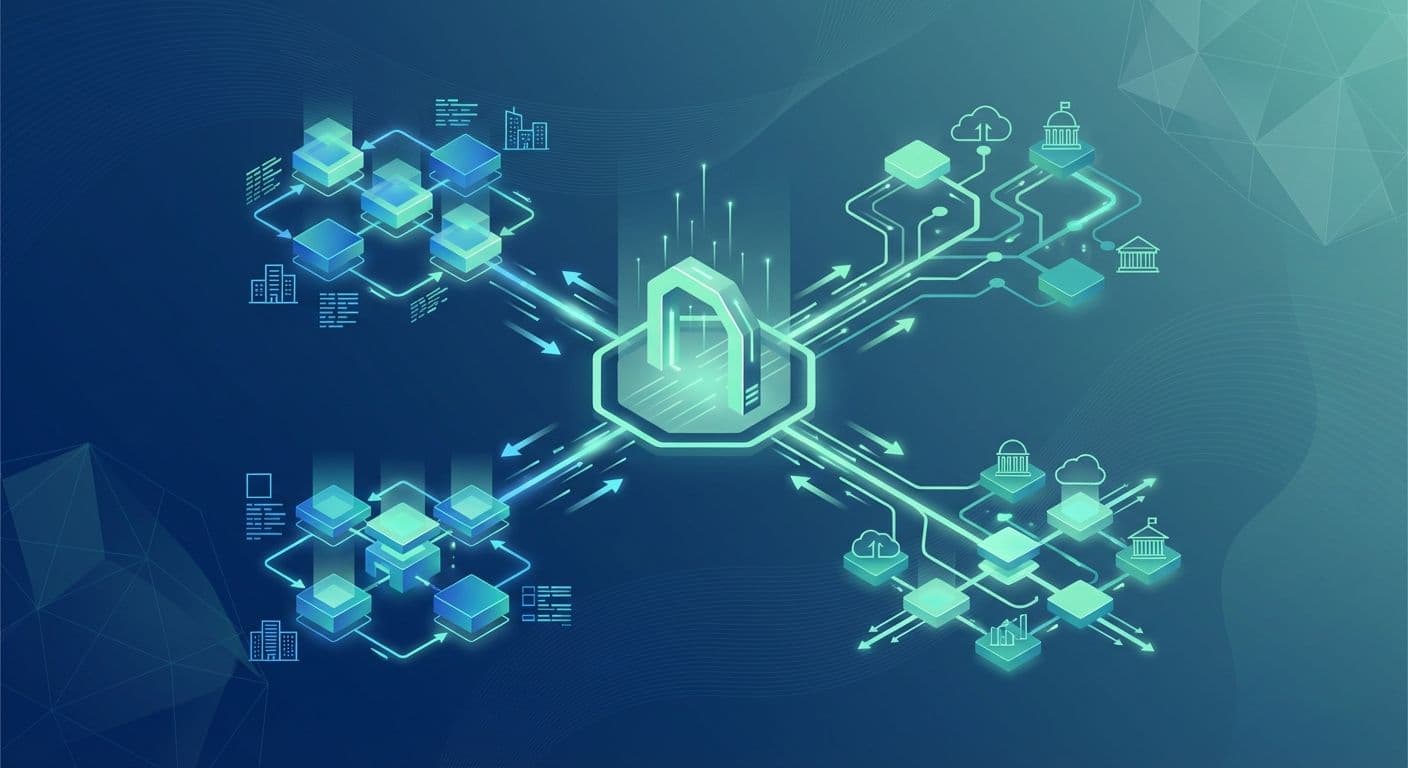
The NSW Planning Portal has changed how development applications are lodged across New South Wales. For councils, that means adapting internal systems to work with the state's digital infrastructure. This guide covers what a council IT team needs to know about NSW Planning Portal integration.
For the product detail, see our NSW Planning Portal Integration page. It is one module of the Local Government Hub.
Understanding the Planning Portal architecture
The Portal is the single digital gateway for planning and development applications in NSW. Councils receive and process applications through this centralised system.
Key integration points
The Portal offers several integration touchpoints for councils:
- Planning Portal APIs: the primary interface for receiving DA submissions, referrals and updates
- Document management: secure transfer of plans, reports and supporting documentation
- Status updates: synchronising application status back to applicants
- Determination publishing: publishing council decisions
Each touchpoint has its own requirements for data formats, authentication and timing, so map them before you design the technical solution.
Common integration challenges
Councils tend to meet the same obstacles. Recognising them early helps you plan.
Data format mismatches
The Portal uses its own data schemas, and they rarely line up perfectly with a council system. Property addresses, applicant details and application metadata all need transformation between systems.
The Portal's address components may be stored differently in your council system. Without proper mapping, that leads to manual data entry or failed imports.
Manual processing bottlenecks
Without integration, staff copy data from the Portal into internal systems by hand. For a council with a steady flow of DAs, that adds up to a large amount of administrative work that can be automated.
Manual transfer also introduces errors. A mistyped property identifier, applicant name or submission date creates downstream problems that are costly to correct.
Document handling complexity
A development application includes many documents: plans, reports, correspondence and supporting material. Managing them across disconnected systems creates version control problems and weakens the audit trail.
Integration architecture options
Councils usually choose from three approaches, each with trade-offs.
Point-to-point integration
A direct connection between your council system and the Planning Portal. It is simple, but it couples the two systems tightly, which makes later changes harder.
Best for: councils with a stable core system and limited integration needs.
Middleware or iPaaS
An integration platform sits between the systems. It adds flexibility and centralises the integration logic, but it needs extra infrastructure and skills.
Best for: councils with several systems that all need to connect.
Managed integration platform
A purpose-built service that handles Portal connectivity, data transformation and council system integration. It keeps the internal technical load low.
Best for: councils that want to focus on planning outcomes rather than technical delivery.
Key technical considerations
Authentication and security
Your integration solution must:
- Store and manage API credentials securely
- Refresh access tokens automatically
- Meet the Portal's security requirements for data in transit
- Keep audit logs of all API interactions
Data transformation
A reliable integration needs strong transformation capability:
- Address standardisation: convert Portal address formats to your council system's structure
- Document metadata mapping: align document types and categories
- Status code translation: map Portal statuses to your workflow stages
- Date and time handling: manage time zones consistently across systems
Error handling and recovery
The integration must cope with failures gracefully, including:
- Network connectivity problems
- API rate limiting
- Data validation errors
- Duplicate submissions
A good solution queues failed operations for retry and shows clearly which issues need manual attention.
Core system integration patterns
Each council system needs its own approach. The same patterns apply to all of them: create applications from Portal submissions, link them to property records, return status updates and keep documents together. Our Local Government Integration page lists the systems we connect.
TechnologyOne
- Create application records from Portal submissions
- Link applications to existing property records
- Update application status and milestones
- Manage correspondence and documents
Civica Authority
- Fit into Authority-specific workflows
- Connect to the document management system
- Map custom fields for council-specific needs
Infor Pathway
- Respect Pathway's data model for planning applications
- Integrate with Pathway's workflow engine
- Handle document attachments
Measuring integration success
Agree the measures before you start, then compare against your baseline.
Efficiency
- Processing time: staff hours spent per application
- Manual entry: the share of data that transfers automatically
- Error rate: data entry mistakes found after lodgement
Compliance
- Timeliness: applications handled within statutory timeframes
- Completeness: applications with fully synchronised data
- Audit: the ability to show how data was handled
User experience
- Staff feedback: how the team finds the new process
- Applicant experience: response times and quality of communication
Implementation best practices
Start with a pilot
Begin with a subset of application types to test the approach before full rollout. You can fix issues while the impact is small.
Engage stakeholders early
Include planning staff, IT, records management and customer service. Each group sees different requirements.
Plan for change
The Portal keeps evolving. Choose an approach that can adapt to API changes and new features without major rework.
Document everything
Keep records of:
- Data mappings between systems
- Integration configuration
- Error handling procedures
- Support escalation paths
Next steps
Portal integration does not have to be overwhelming. Start with a current-state assessment of your council system, your document management and your workflows. Then pick the integration approach that fits.
If you want to talk it through, contact our team. Two of our local government customers describe their results in the case studies Automating NSW Planning Portal Applications and Streamlining Council Operations.
Related resources
Accelerate Tech named a finalist for the 2026 Microsoft Inclusion Changemaker Partner of the Year Award
Accelerate Tech has been named a finalist for the 2026 Microsoft Inclusion Changemaker Partner of the Year Award. Our nomination was led by Language+, built for Multicultural NSW and the NSW Police Force.
AI automation for business and government
Most AI projects describe a tool. This describes what happens to the work itself: which tasks move to a system, which stay with a person, and the new work nobody budgets for.
What Is a Forward Deployed Engineer, and Why Is Every AI Company Hiring One?
The title came from Palantir and is now on job boards at every AI company. What a forward deployed engineer actually does, why AI work made the model mainstream, and the six questions to ask a provider.
Got a project in mind?
Book a free 30-minute consultation. We'll listen and give you a straight answer.
Book a Consultation